1
Start with a blank story
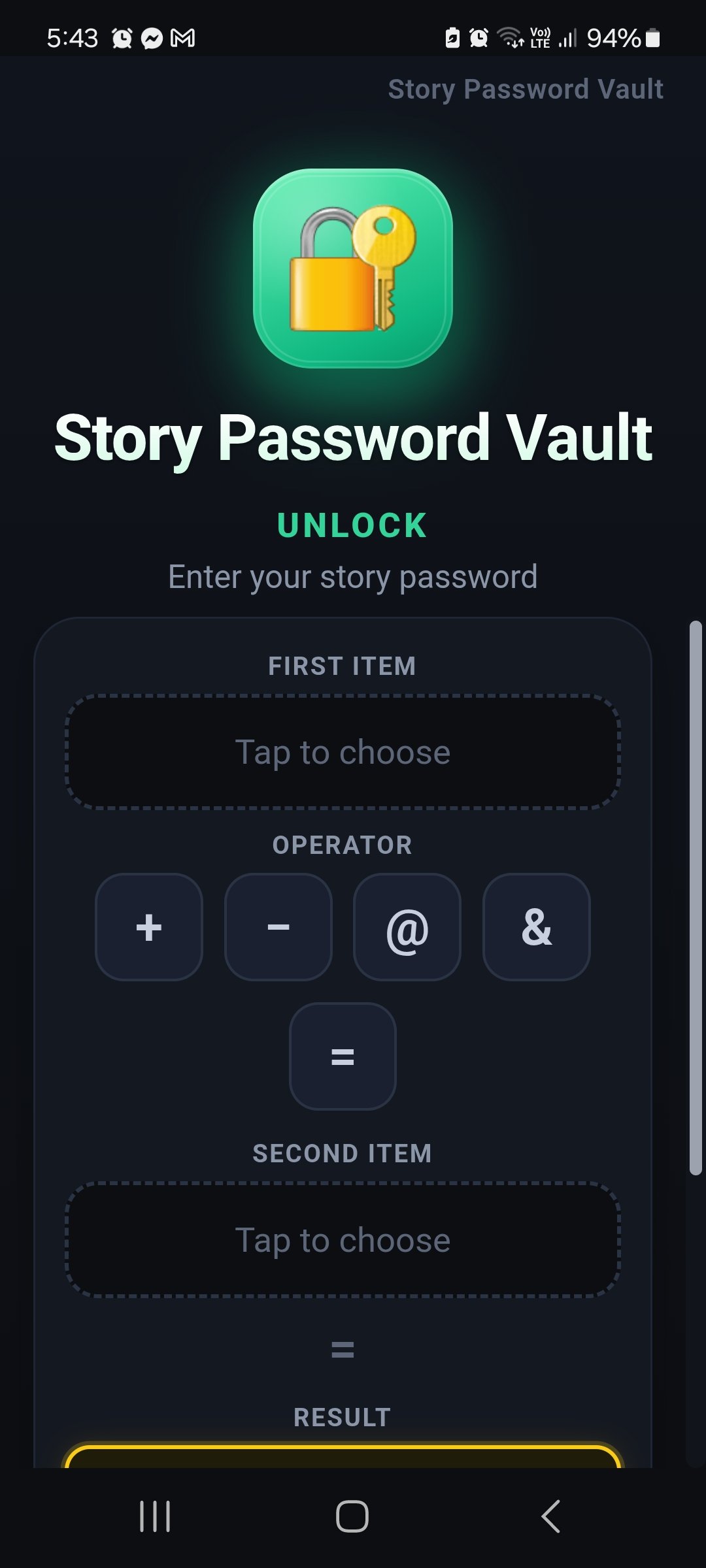
Open the app and you see two empty slots and a few simple signs in the middle. This is where your story is built.
A short story you can remember. Hard for anyone else to guess.
Instead of a complicated master password, you unlock the app with a short story made of simple words and a picture in your mind. Your story stays on your device. Nothing is stored on our servers — there are none.
Open the app and you see two empty slots and a few simple signs in the middle. This is where your story is built.
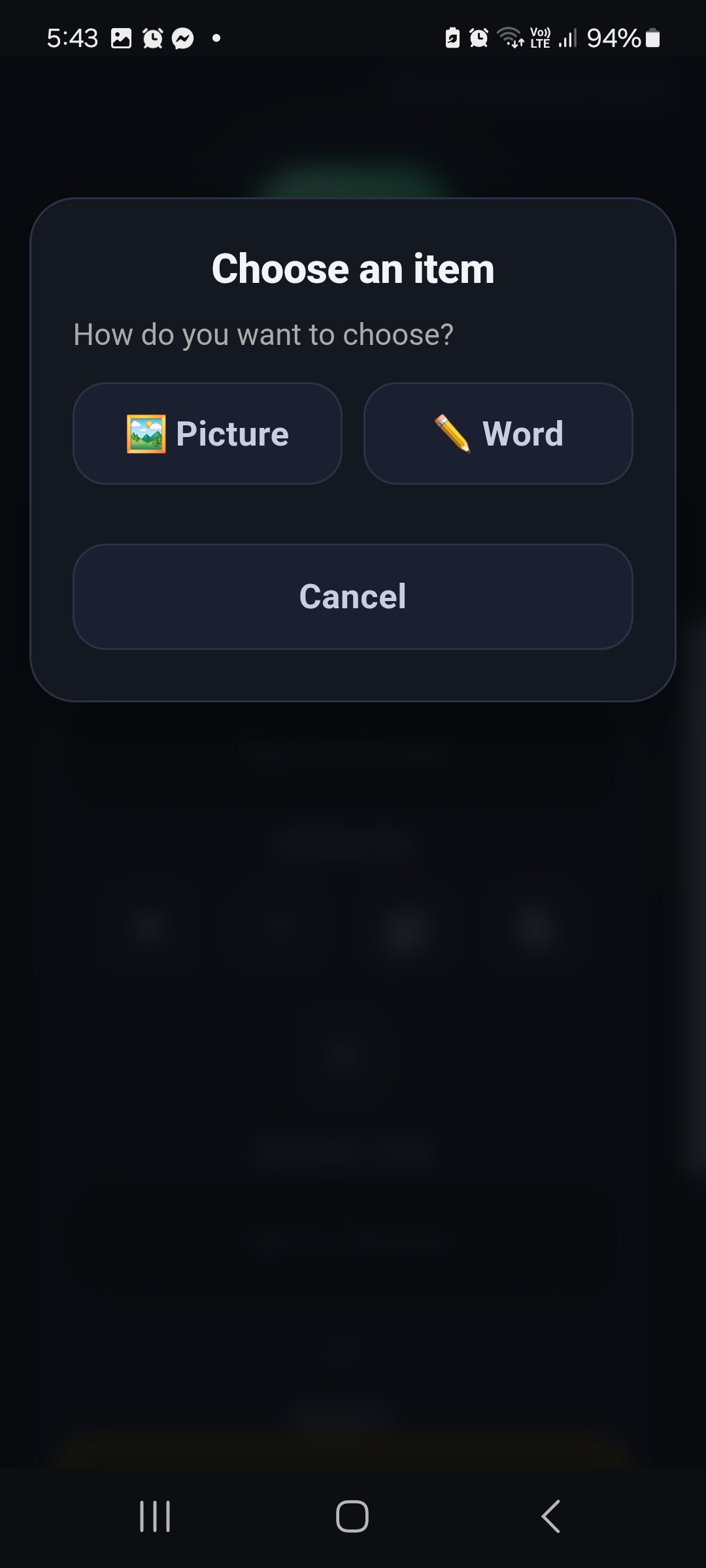
Tap a slot. Pick a picture you can see in your mind, or type a word if that is easier for you.
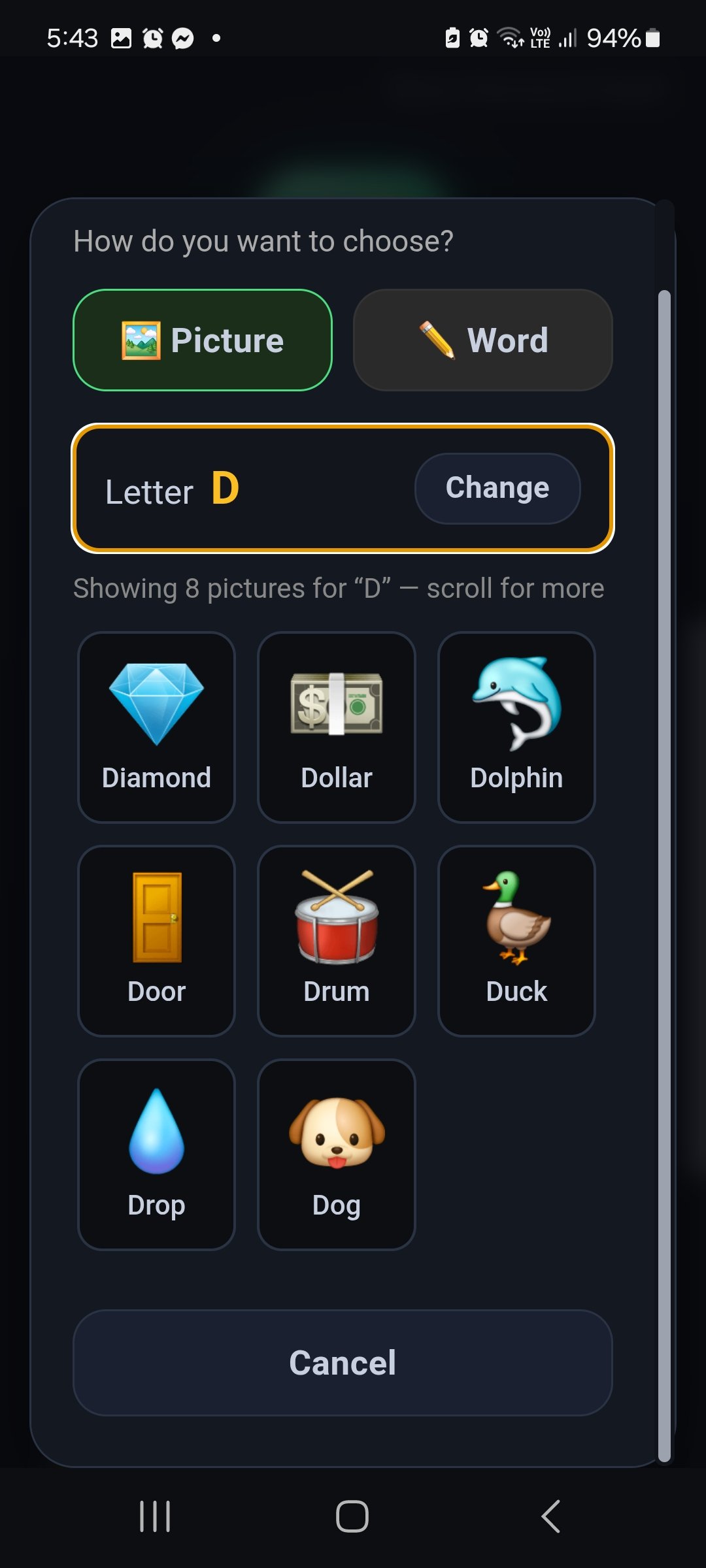
Pictures are grouped A to Z. Open D and you get dog, door, drum and the rest. Tap the one that belongs in your story.
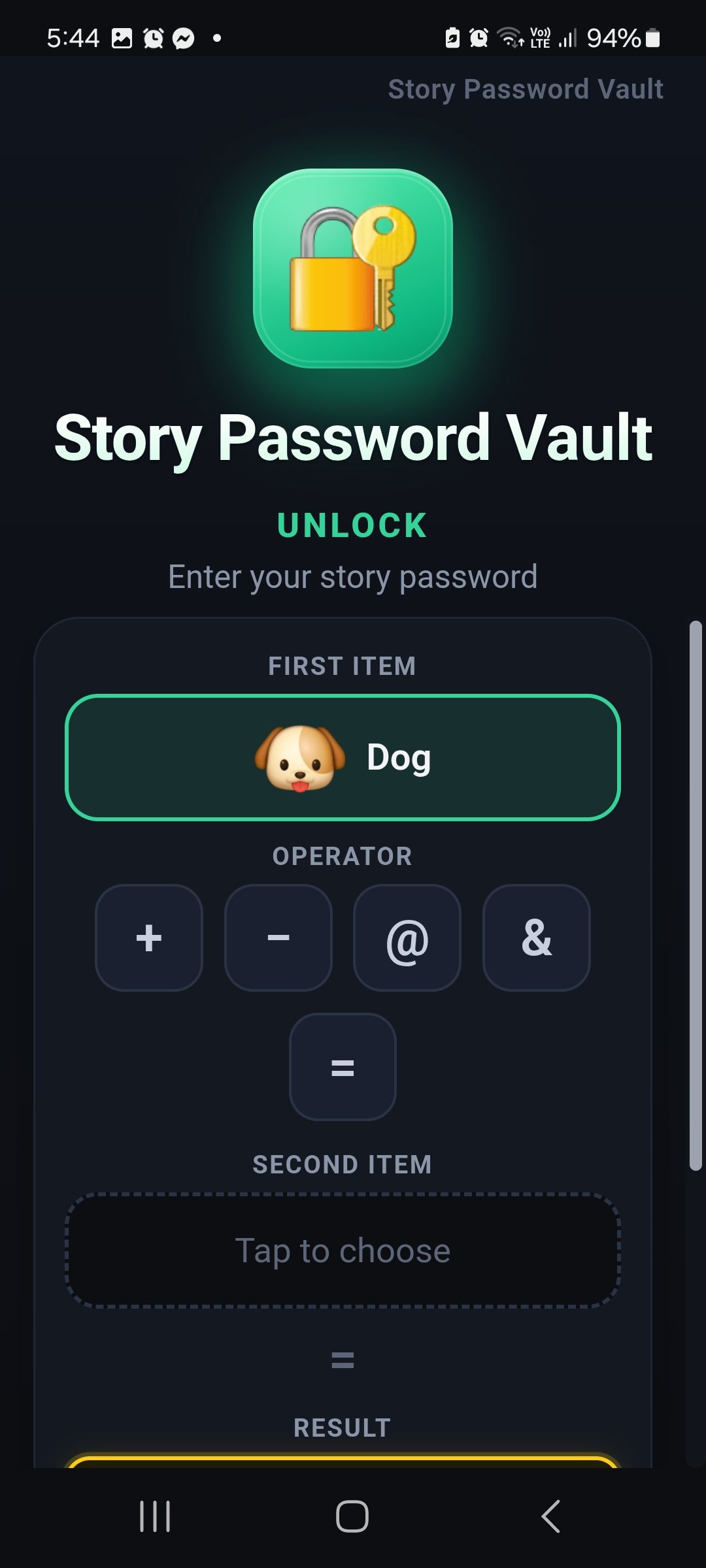
Here the first item is Dog. That is half the picture. Next you choose how Dog joins the second piece.
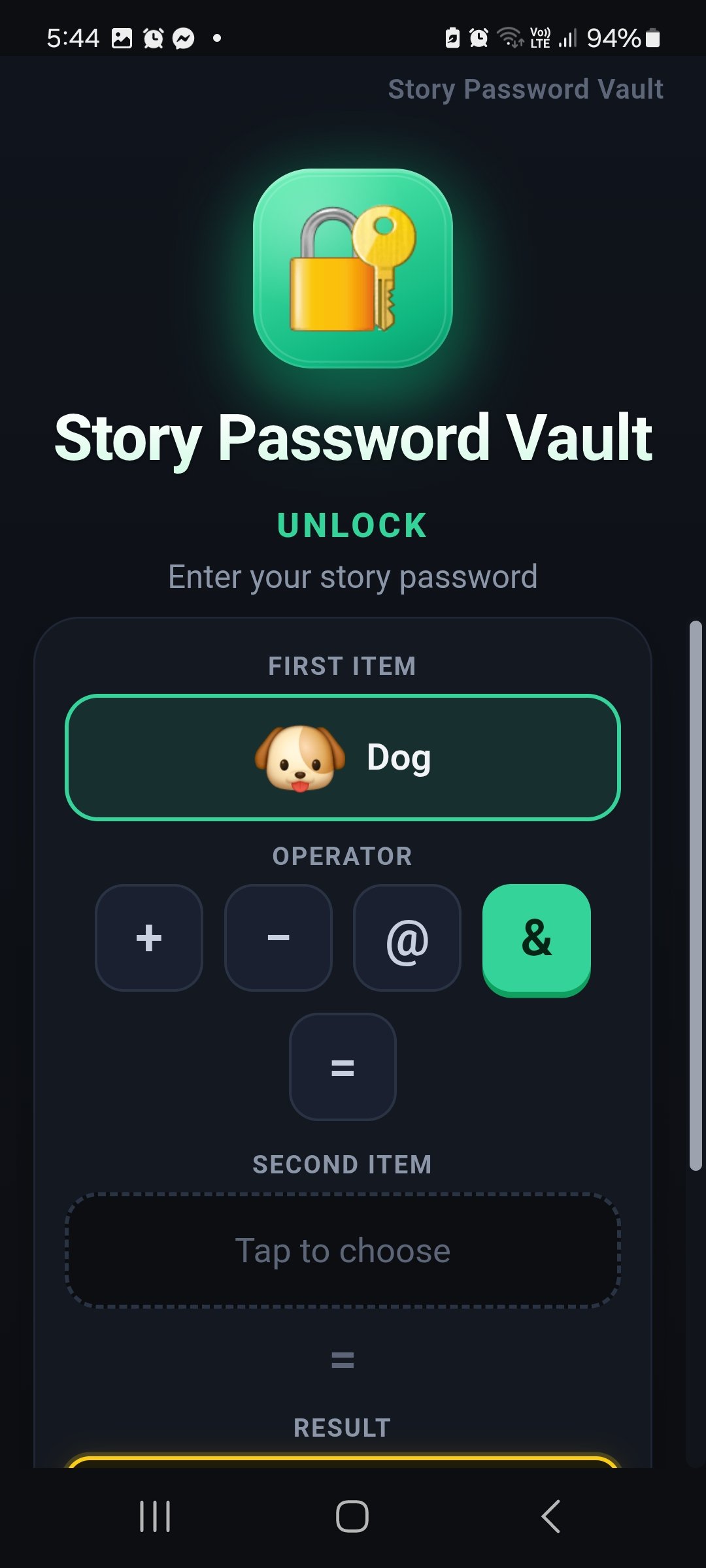
Plus, minus, at, and, or equals. The green button is the one you chose. It is just the glue in the sentence.
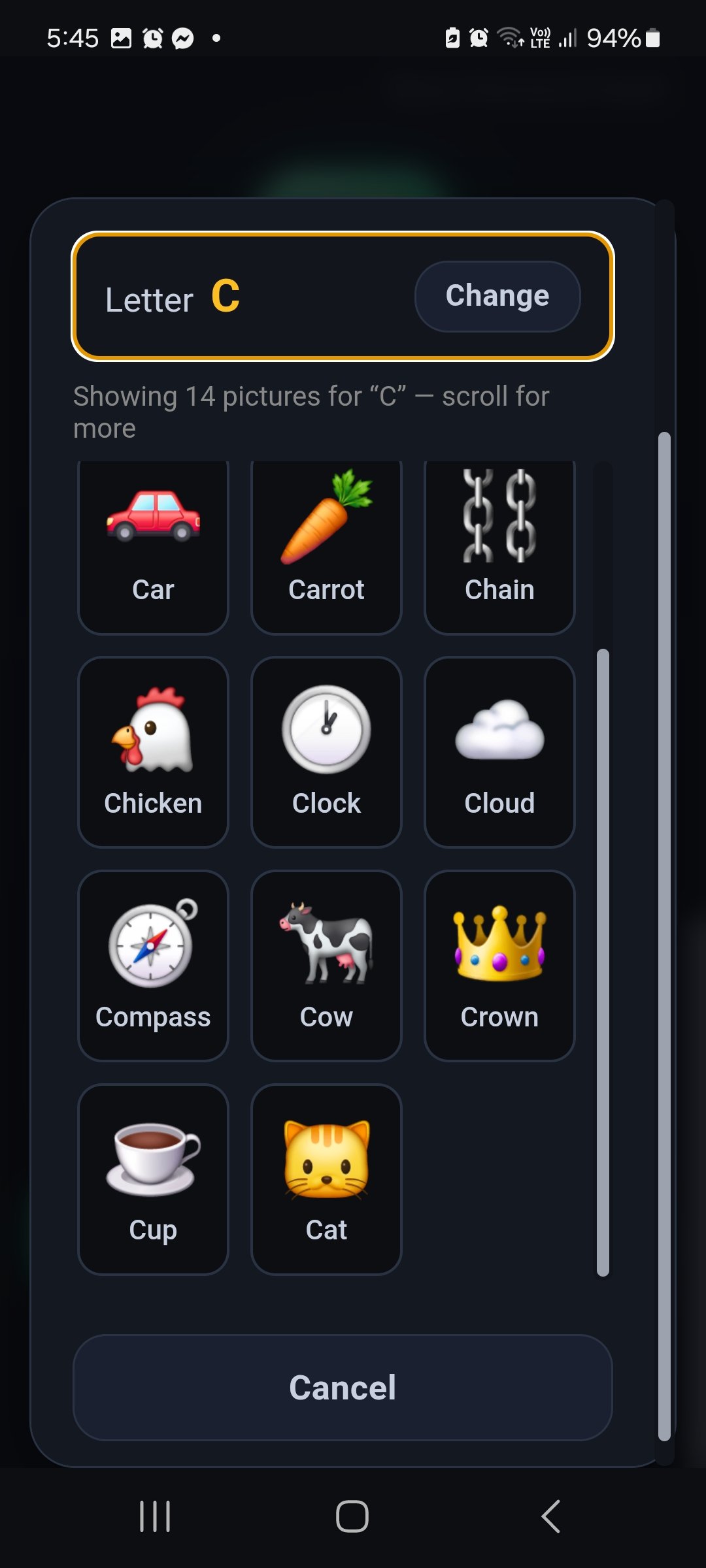
Same idea for the other slot. Letter C gives car, cup, cat. In this example the story needs Cat.
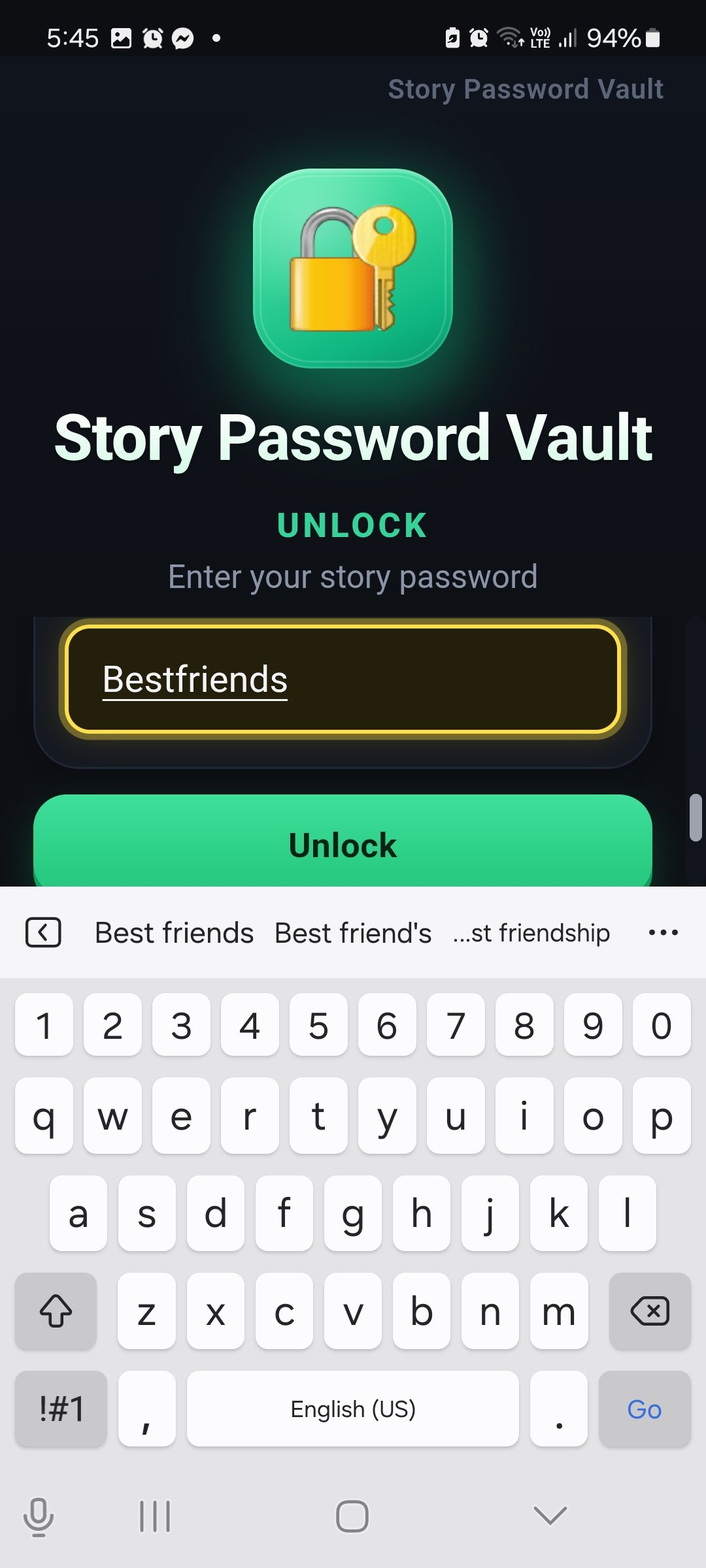
Dog and Cat become Bestfriends. That result word is what you type to unlock. Easy for you. Hard for a stranger.
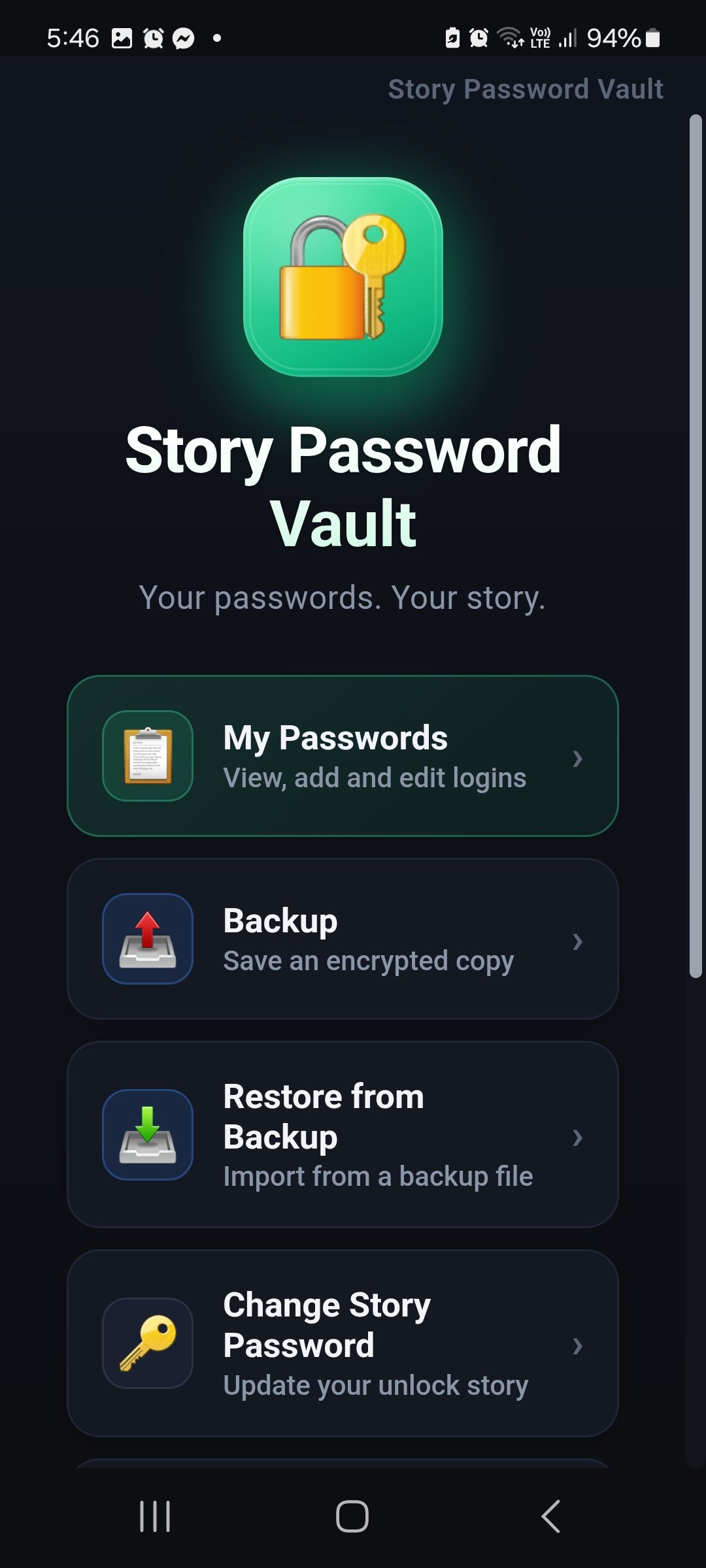
Home is short: your list, an encrypted backup, restore from a file, or change the story later.
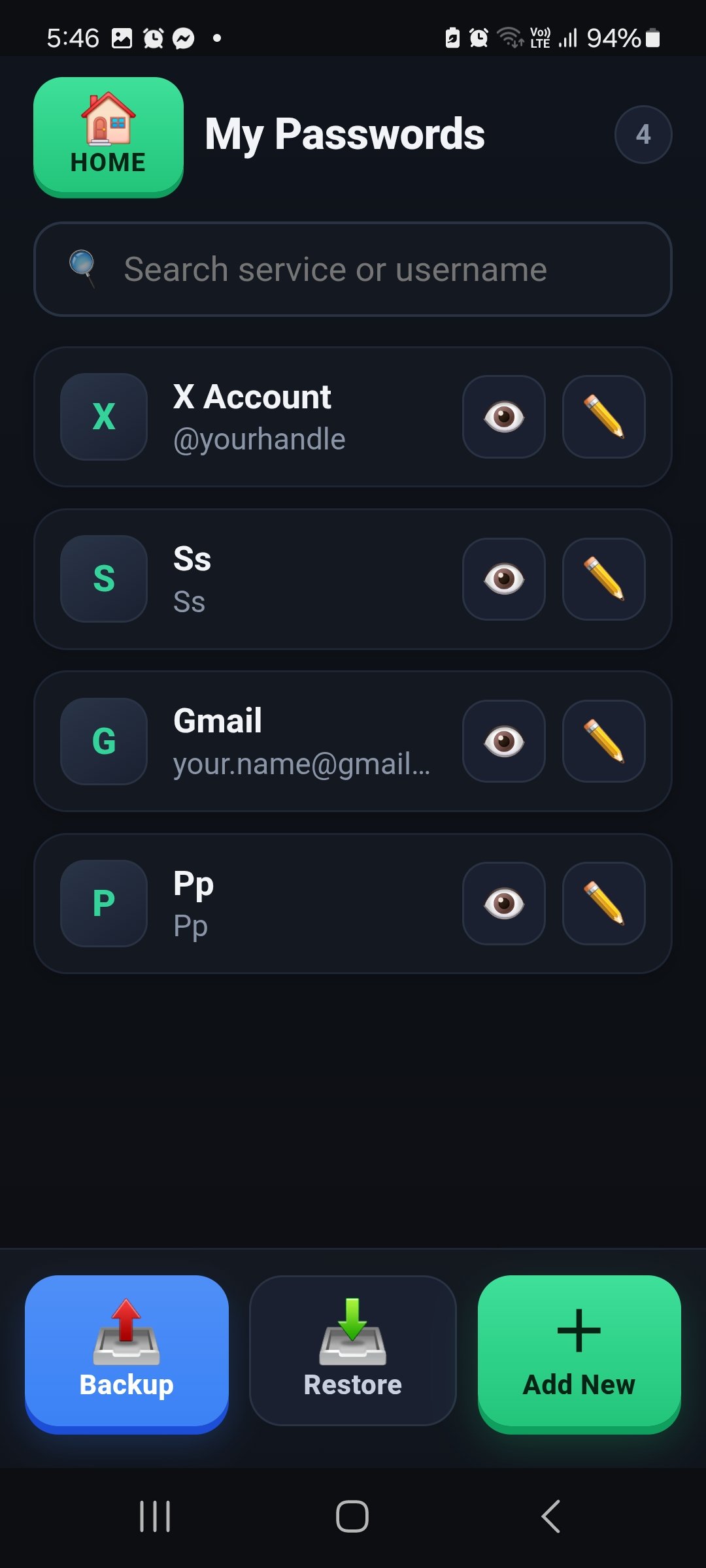
Services sit in one list. Search, look, edit. Backup and Restore stay at the bottom so they are always there.
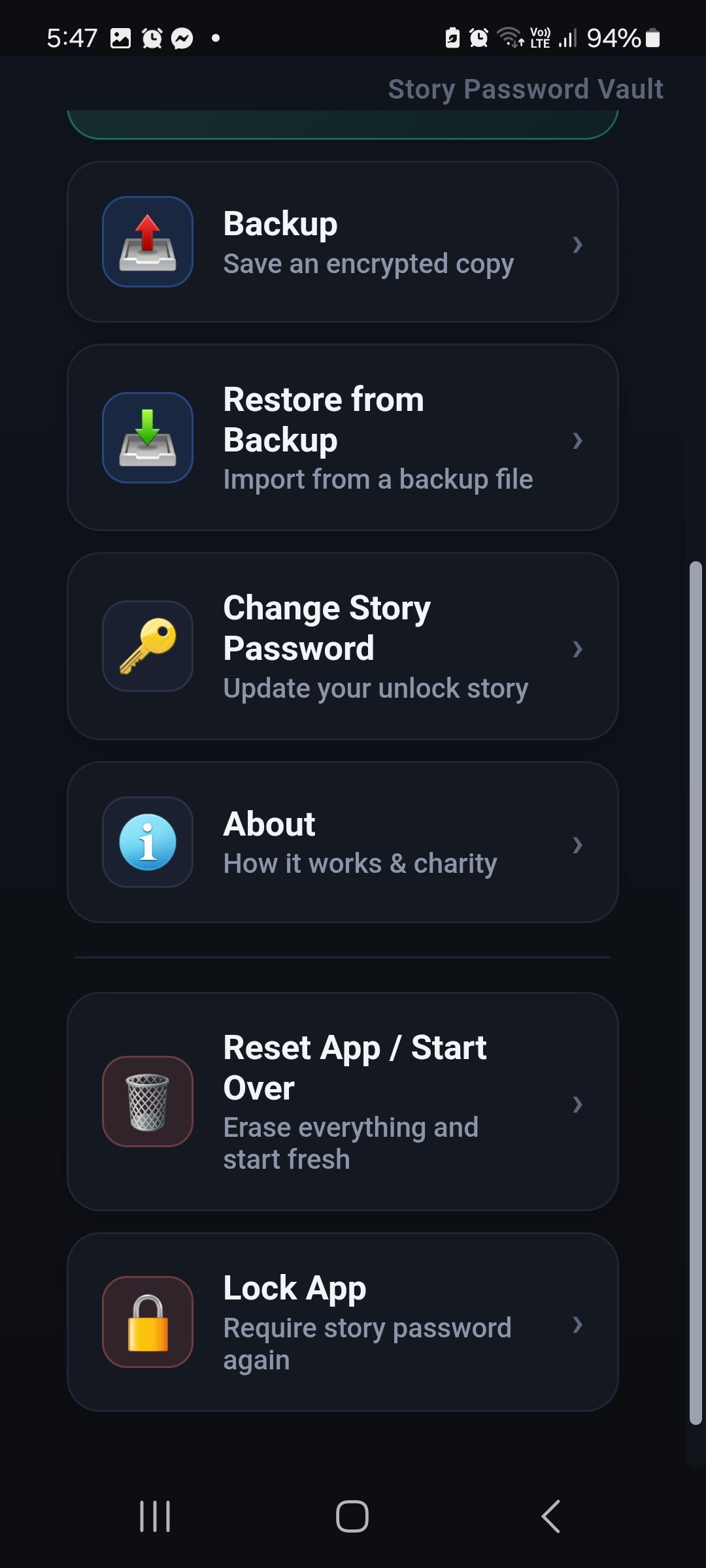
Lock the app when you walk away. Reset only if you mean to start over. About explains the charity split.
Opens Stripe. After payment you download the installer.